Fire Kirin Online vs App — Which is Better in 2026?
When you sign up for Fire Kirin 777, you face an immediate choice: download the app or play in your browser. Both options give you access to the same account, the same game library, and the same bonuses — but the experience differs in some important ways. Here's an honest comparison to help you decide which option is right for you.
Quick Comparison Table
| Feature | Online (Browser) | Downloaded App |
|---|---|---|
| Setup Time | ✓ Instant — no install | 5–10 minutes (APK/iOS install) |
| Works on iPhone | ✓ Full Safari support | Requires enterprise cert install |
| Works on Android | ✓ Any browser | ✓ APK install required |
| Works on PC/Mac | ✓ Any browser | ✗ Requires emulator |
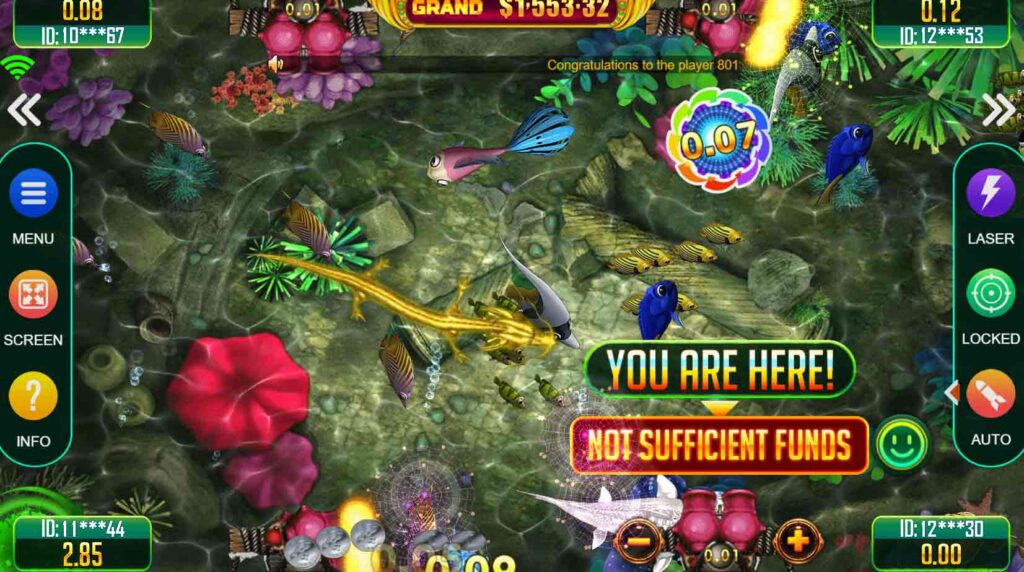
| Graphics Quality | Very Good | ✓ Best (native rendering) |
| Performance | Good | ✓ Smoother on mobile |
| Full Game Library | ✓ All 50+ games | ✓ All 50+ games |
| Daily Bonuses | ✓ Same bonuses | ✓ Same bonuses |
| Automatic Updates | ✓ Always latest version | Manual reinstall required |
| Storage Used | ✓ None | ~45–150 MB |
| Offline Access | ✗ Requires internet | ✗ Requires internet |
Installation & Setup
The browser version wins decisively on setup. Visit our Play Online page, log into your account, and you're playing within 30 seconds of creating your account. There's nothing to download, no permissions to configure, and no installation steps to follow.
The app, by comparison, requires 5 to 10 minutes to install — whether you're going through the Android APK process or the iOS enterprise certificate setup. For players who encounter issues (enabled sources, certificate trust, etc.), it can take longer. The trade-off is a smoother long-term experience once installed.
Performance & Graphics
The downloaded app has a slight edge in performance on mobile devices. Native apps can access hardware acceleration directly, resulting in smoother animation — especially noticeable in fast-paced fish game sessions where many targets are moving simultaneously on screen.
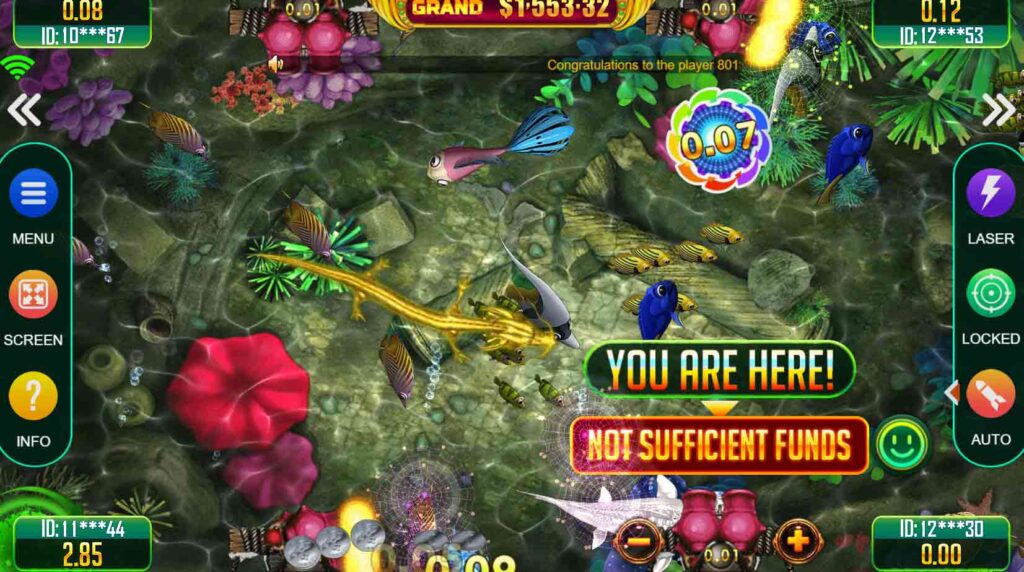
The browser version performs excellently on modern devices and on desktop computers. Older budget Android phones (pre-2020) may experience occasional frame drops in the browser that don't occur in the native app. iPhone users will generally find Safari performance on par with the app for most game types.
Game Library Access
Both versions offer identical game libraries. Every game available in the downloaded app — all 50+ fish games, slots, and keno titles — is also accessible in the browser version. There is no content gated behind the app or the browser. Your account, balance, and game progress sync between both in real time.
Bonuses & Rewards
Daily login bonuses, referral rewards, and all promotional credits are the same regardless of whether you access Fire Kirin 777 through the app or browser. Your account is your account — the delivery method doesn't affect what you earn.
One practical note: some players find it easier to remember to claim their daily bonus when the app is on their home screen. A visible icon serves as a daily reminder in a way that a bookmarked website sometimes doesn't.
Device Compatibility
The browser version is the clear winner for multi-device players. Because it runs in any modern browser, you can play on your phone during lunch, switch to your laptop in the evening, and jump to a tablet on the weekend — all with no configuration changes. Log in at any device and you're in.
The app is great if you primarily play on one phone. But if you regularly switch between devices or want to play on a computer, the browser version eliminates all the friction.
Updates & Maintenance
The browser version is always running the current version of Fire Kirin 777. When new games are added, features updated, or bugs patched, the browser version gets them instantly — you'll never encounter an outdated version or receive an "update required" error.
The app requires manual updates. When a new APK is released, you need to download and reinstall it. iOS certificates can also expire, temporarily preventing you from opening the app until you reinstall. For low-maintenance gaming, the browser version is simpler.
Our Verdict — Which Should You Choose?
- You primarily play on iPhone (skip the certificate hassle)
- You play on PC or Mac
- You switch between multiple devices
- You want instant access with zero setup
- You don't want to use phone storage for an app
- You primarily play on one Android phone
- You want the smoothest fish game graphics and animation
- You want a home screen icon as a daily reminder
- Your phone is an older model with limited browser performance
The good news: you don't have to choose permanently. Many Fire Kirin 777 players use both — the app on their phone for quick daily sessions and the browser on their computer for longer fish game sessions. Both use the same account and balance, so mixing and matching is seamless.
Try Both — Your Account Works on Either
Create your free Fire Kirin 777 account and test both versions yourself. Your balance and progress sync automatically between app and browser.