Fire Kirin Not Working? 10 Fixes That Actually Work [2026]
Fire Kirin 777 not loading, crashing, or showing a login error? You're not alone — these are the most common issues players run into in 2026, and almost all of them have simple fixes. This guide covers every major Fire Kirin problem with step-by-step solutions for Android, iPhone, and the browser version.
- Fire Kirin Won't Load / Stuck on Loading Screen
- Login Error / Can't Sign In
- Black Screen When Opening App
- App Keeps Crashing
- Connection Error / No Internet
- APK Won't Install on Android
- iPhone App Won't Open / Untrusted Developer
- Browser Version Not Working
- Games Load But Won't Start
- Account Issues / Balance Not Showing
1. Fire Kirin Won't Load / Stuck on Loading Screen
This is the most common Fire Kirin issue in 2026. The app opens but gets stuck spinning or shows a loading bar that never completes.
Causes
Slow internet connection, Fire Kirin servers temporarily down, or an outdated app version that's no longer compatible with the current server.
Fire Kirin needs at least 5 Mbps to load properly. Switch from mobile data to Wi-Fi or vice versa. If on Wi-Fi, try moving closer to your router.
On Android: recent apps button → swipe Fire Kirin away. On iPhone: swipe up from home bar → swipe the app card up. Then reopen.
Settings → Apps → Fire Kirin → Storage → Clear Cache. This removes corrupted temporary files without deleting your account data.
If clearing cache doesn't work, uninstall the app and download the latest version from our Android download page. Outdated versions frequently fail to connect to updated servers.
2. Login Error / Can't Sign In
You enter your credentials but get an error message or the login button does nothing.
Most Common Causes
Wrong username or password, expired session token, or account suspended. Rarely — server maintenance.
Fire Kirin usernames and passwords are case-sensitive. Check that Caps Lock isn't on and that you're using the exact email and password from your account setup.
Cached login sessions can cause conflicts. On browser: clear cookies and site data for the Fire Kirin site. On app: Settings → Apps → Fire Kirin → Clear Data.
If you've forgotten your password or your account is locked, contact us via the Messenger button on this page. Our team can reset your credentials directly.
3. Black Screen When Opening App
The Fire Kirin app opens but shows only a black screen — no game lobby, no loading indicator, nothing.
Sometimes the app needs extra time on first launch after an update. Give it 20 seconds before force closing.
Close all other apps running in the background. Fire Kirin's graphics engine needs available memory. On budget Android phones especially, background apps starve the game of RAM.
A full restart clears RAM and resets system processes. This resolves black screen on most devices.
If the app continues showing a black screen, use our Play Online browser version while we investigate. Same account, same balance.
4. App Keeps Crashing
Fire Kirin opens briefly then crashes back to the home screen — or crashes in the middle of a game.
Fire Kirin needs at least 200 MB of free storage to run properly. Go to Settings → Storage and free up space if you're below 500 MB total free.
Fire Kirin 2026 requires Android 5.0+ or iOS 13+. If your device is running an older OS version, the app may crash due to incompatibility.
Uninstall the current app, restart your phone, then download a fresh copy from our download page. Corrupted install files are a common crash cause.
5. Connection Error / No Internet Message
Fire Kirin shows "Connection Error," "No Internet," or "Server Unreachable" even though other apps work fine.
VPNs frequently cause connection errors with Fire Kirin. Turn off any active VPN and try again.
Some workplace, school, or public Wi-Fi networks block gaming traffic. Switch to your mobile data connection to test.
Turn airplane mode ON for 10 seconds, then OFF. This forces your phone to re-establish its network connection fresh.
6. Fire Kirin APK Won't Install on Android
You downloaded the APK but get "App Not Installed," "Parse Error," or "Install Blocked" when you try to open it.
Usually means low storage or a corrupted download. Free up 200+ MB of storage, delete the APK, and download it fresh on a stable Wi-Fi connection.
Your Android version is below 5.0, or the download was interrupted. Check Settings → About Phone for your Android version.
Unknown sources not enabled for your browser. Go to Settings → Apps → your browser → Install Unknown Apps → toggle ON. See our full Android install guide.
7. iPhone App Won't Open / Untrusted Developer Error
"Untrusted Enterprise Developer" is the #1 iOS issue with Fire Kirin. The fix is always the same:
Settings → General → VPN & Device Management → find the Fire Kirin certificate → tap Trust. See our full iOS guide for screenshots.
If you see "App No Longer Available," the certificate has expired. Reinstall from our iOS download page to get a fresh certificate.
The easiest iPhone fix: don't install the app at all. Visit our Play Online page in Safari. Full game access, no certificate issues ever.
8. Browser Version Not Working
The Play Online browser version won't load, shows a blank page, or games freeze mid-session.
Fire Kirin 777 browser version works best in Chrome (Android/PC) and Safari (iPhone). Firefox and older browsers may have issues.
Fire Kirin requires JavaScript. In Chrome: Settings → Site Settings → JavaScript → Allowed.
Chrome: tap 3 dots → History → Clear browsing data → Cached images and files → Clear. Then reload the page.
Ad blockers and privacy extensions can interfere with Fire Kirin's game loading. Temporarily disable them and try again.
9. Games Load But Won't Start
You can see the game lobby but individual games spin forever or show an error when you tap them.
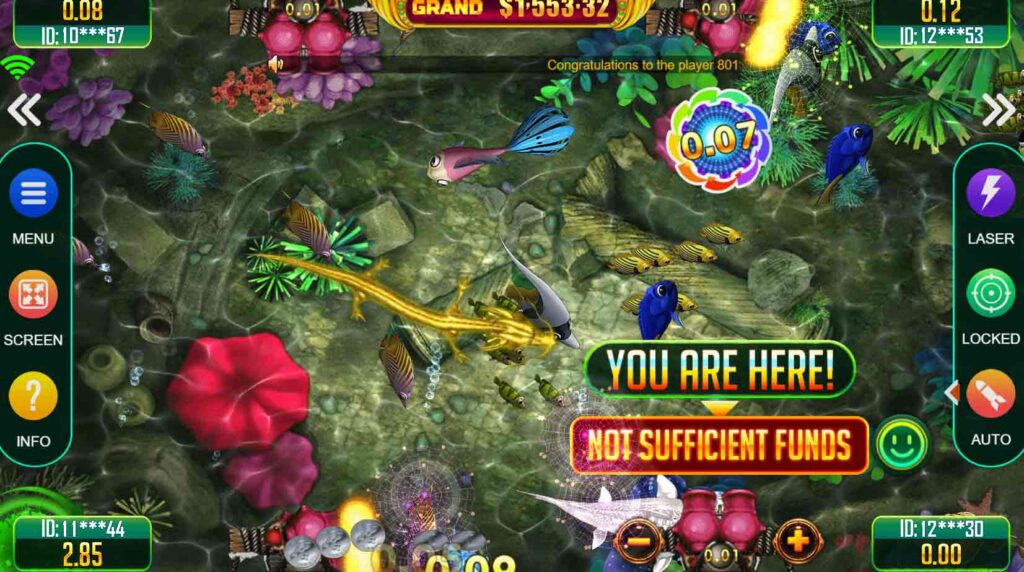
This is almost always a server-side issue or a low balance problem. First, check that your account balance is sufficient to enter the game — some games have minimum entry requirements. If your balance is fine, the game server may be temporarily busy. Wait 5 minutes and try again, or switch to a different game while you wait.
If multiple games all fail to start simultaneously, Fire Kirin's servers may be undergoing maintenance. Check the FireKirin777.online homepage for any maintenance notices, or contact our support team via Messenger.
10. Account Issues / Balance Not Showing
Your balance shows zero, your winnings disappeared, or your account looks different than expected.
Sometimes the account balance doesn't sync properly on first load. Log out completely, wait 30 seconds, and log back in to force a fresh balance sync from the server.
If you have multiple devices or email addresses, make sure you're logged into the correct Fire Kirin 777 account. Balance is tied to your account, not your device.
If your balance genuinely changed unexpectedly, contact our team via Messenger right away with your account email and the approximate time of the issue.
Frequently Asked Questions — Fire Kirin Troubleshooting
Still Having Issues? Contact Us Directly
Our support team is available via Messenger and text. We'll walk you through the fix personally — usually within minutes.